
Find the best 32GB DDR4 RAM for PC builds in 2026, including 3200MHz vs 3600MHz comparison, top gaming RAM kits, performance benchmarks, and expert buying guide.
Introduction
In 2026, upgrading to 32GB DDR4 RAM is becoming essential for users who want smooth performance across gaming, multitasking, and professional workloads.
But one key question remains: should you choose 3200MHz or 3600MHz RAM?
This guide will help you understand the differences, real-world performance, and how to choose the best option for your PC build.
3200MHz vs 3600MHz DDR4 RAM: Core Differences
3200MHz RAM is widely considered the standard baseline. It offers strong stability, good compatibility, and excellent value for most users.
3600MHz RAM runs at a higher frequency, allowing faster data transfer between the CPU and memory. This can improve performance in certain workloads.
In real-world scenarios, the difference is typically around 3% to 10%, depending on your system and usage.
Real-World Performance in 2026
Gaming Performance
With 32GB RAM, modern games run smoothly, even when combined with background applications.
3600MHz RAM can provide slightly higher FPS and reduce stuttering in CPU-bound games. However, the difference is not always noticeable for casual gamers.
Multitasking and Daily Use
For everyday tasks such as browsing, office work, and running multiple apps, 32GB RAM significantly improves system responsiveness.
Both 3200MHz and 3600MHz perform well, but higher-speed RAM offers a smoother experience when handling heavy multitasking.
Content Creation and Professional Workloads
For demanding tasks like video editing, 3D rendering, and development work, both capacity and speed matter.
3600MHz RAM can improve workflow efficiency by reducing rendering time and handling large files more effectively.
How to Choose the Best 32GB DDR4 RAM
Frequency (Speed)
3200MHz provides the best balance between price and performance.
3600MHz is ideal for users who want higher performance.
CAS Latency
Lower latency improves response time. A balanced configuration typically combines high frequency with low latency such as CL16.
Compatibility
Ensure your CPU and motherboard support your chosen RAM speed. Not all systems can fully utilize higher frequencies.
Use Case
Gaming: both 3200MHz and 3600MHz are suitable
Office and daily tasks: 3200MHz is sufficient
Content creation: 3600MHz is recommended
3200MHz vs 3600MHz: Which Should You Choose?
Choose 3200MHz if you want a stable, cost-effective solution for everyday use.
Choose 3600MHz if you need better performance for gaming, editing, or demanding applications.
For most users, 3200MHz is enough. For power users, 3600MHz is the better long-term choice.
Conclusion
Choosing the best 32GB DDR4 RAM for PC builds in 2026 depends on your needs and budget.
3200MHz offers excellent value and stable performance.
3600MHz delivers better speed and improved performance in demanding workloads.
Upgrading to 32GB RAM ensures your system remains fast, responsive, and ready for modern applications.
Best 32GB DDR4 RAM for PC Builds in 2026 (3200MHz vs 3600MHz) #1
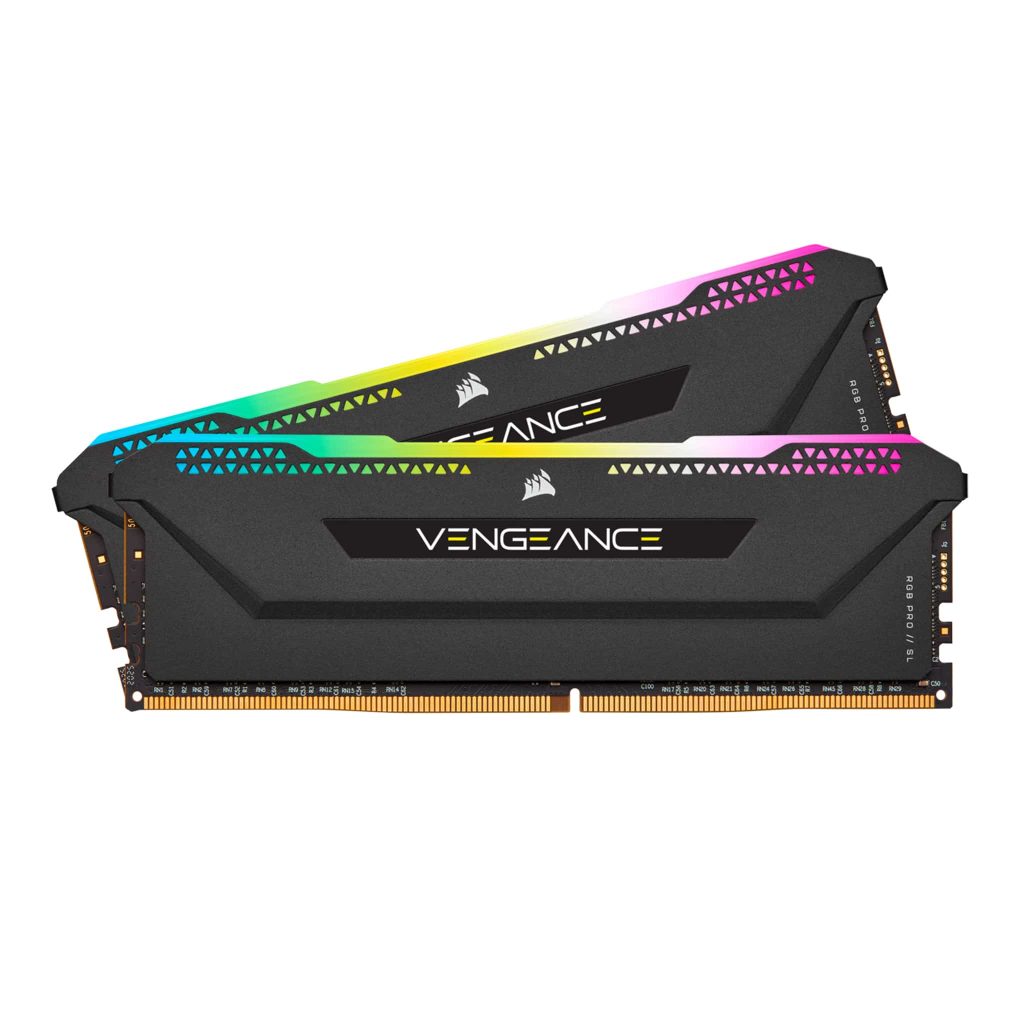
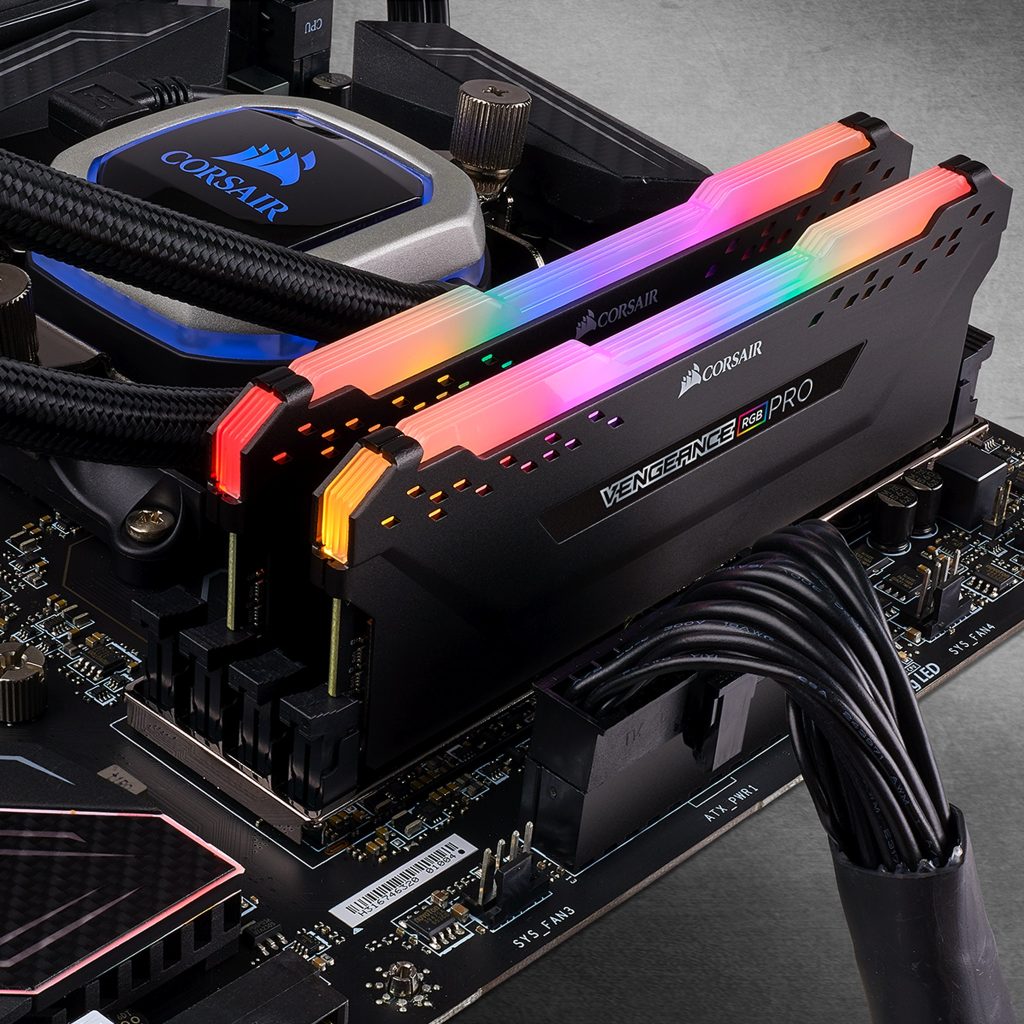
CORSAIR DOMINATOR PLATINUM RGB DDR5 RAM 64GB (2x32GB) 5600MHz CL40 Intel XMP iCUE Compatible Computer Memory – White (CMT64GX5M2B5600C40W)
-
RGB Lighting: 10 ultra-bright, individually addressable LEDs per module.
-
iCUE Control: Sync and customize lighting across all Corsair devices.
-
Custom Effects: Millions of colors and patterns via iCUE software.
-
Wide Compatibility: Supports Intel & AMD DDR4 motherboards.
-
Clean Installation: No extra cables required.
-
Stable Performance: Custom PCB ensures strong signal quality.
-
Overclocking Ready: Carefully selected ICs for better OC potential.
Best 32GB DDR4 RAM for PC Builds in 2026 (3200MHz vs 3600MHz) #2
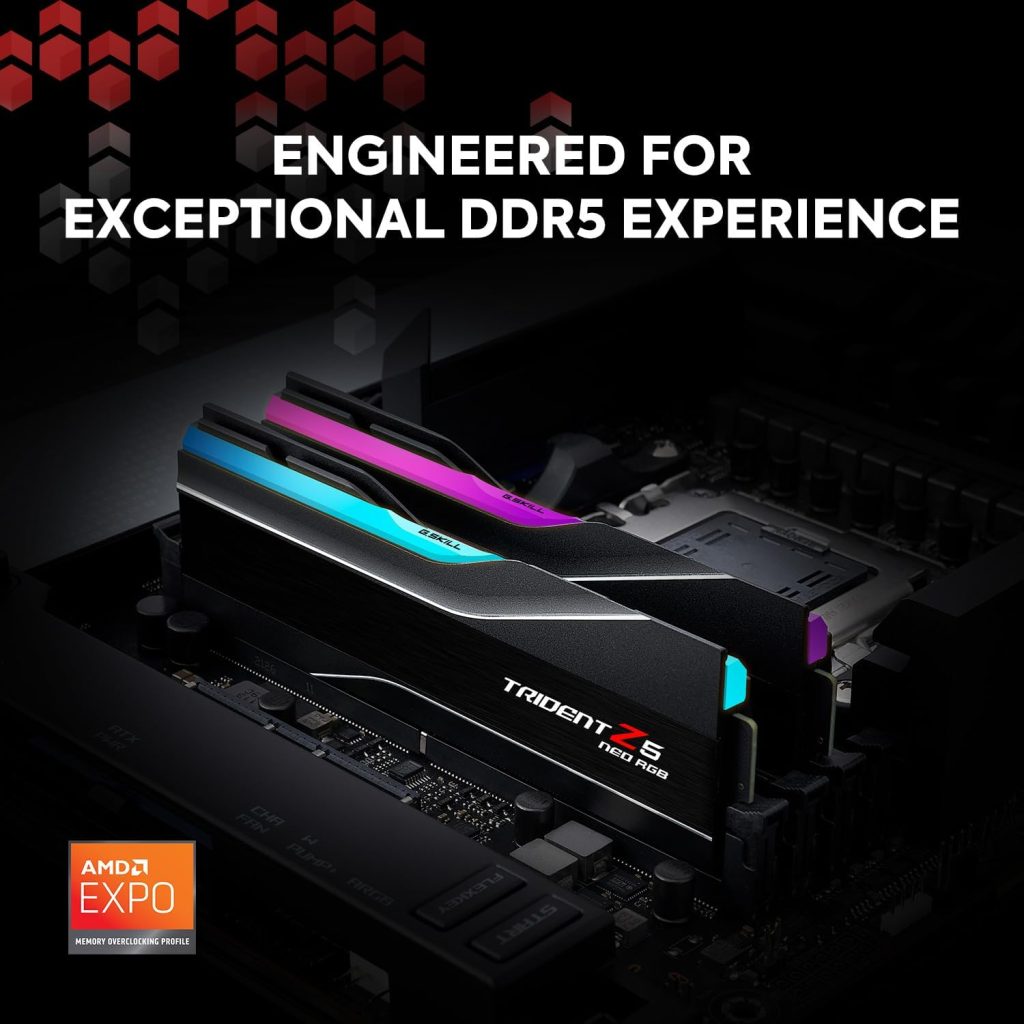
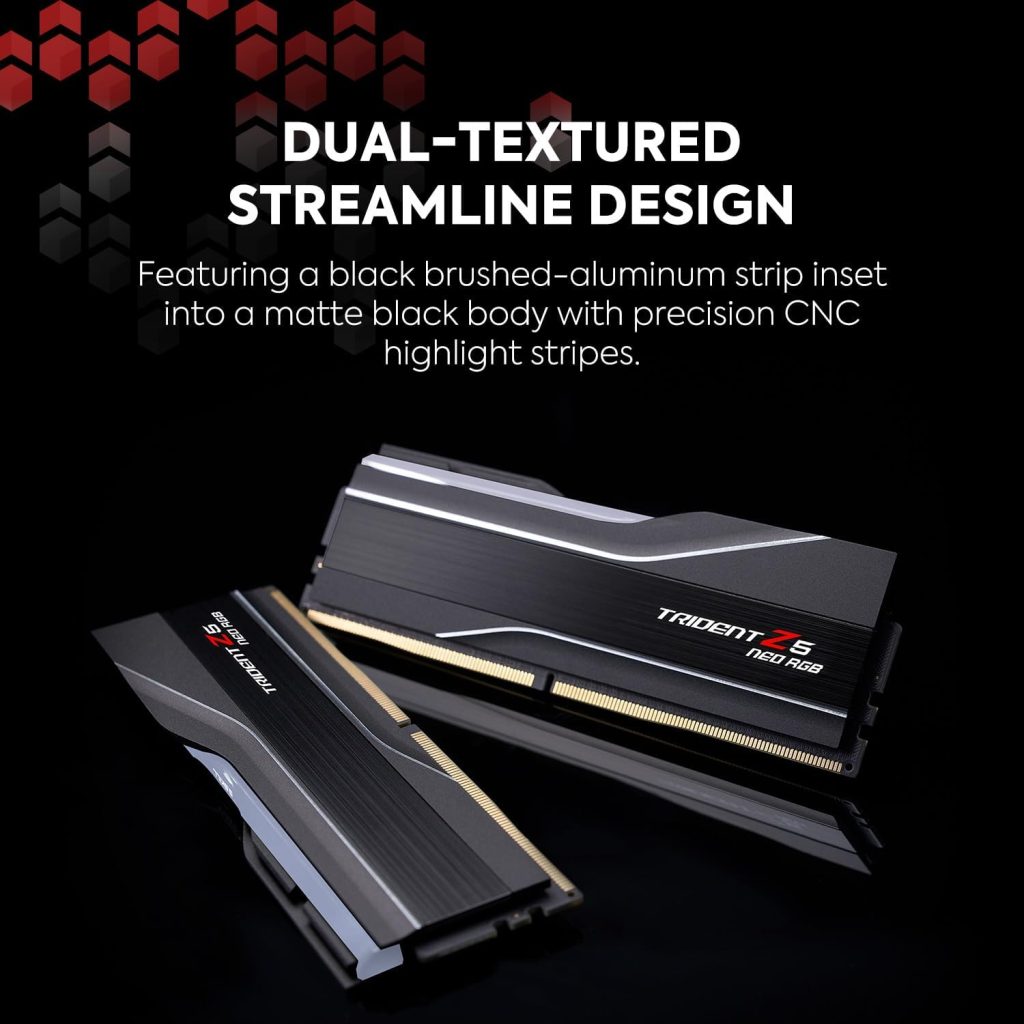
G.SKILL Trident Z5 Neo RGB Series DDR5 RAM (AMD Expo) 32GB (2x16GB) 6000MT/s CL30-38-38-96 1.35V Desktop Computer Memory U-DIMM – Matte Black (F5-6000J3038F16GX2-TZ5NR)
-
Model: G.SKILL Trident Z5 Neo RGB DDR5 (F5-6000J3038F16GX2-TZ5NR)
-
Capacity & Speed: 32GB (2x16GB), DDR5-6000 CL30, 1.35V
-
Type: Non-ECC, 288-pin DDR5 for desktop gaming PCs
-
Profiles: Supports JEDEC & AMD EXPO for easy overclocking
-
Compatibility: Optimized for AMD 600/800 series platforms (check QVL)
-
Note: Use matched kits only – mixing RAM may cause instability or failure
Best 32GB DDR4 RAM for PC Builds in 2026 (3200MHz vs 3600MHz) #3
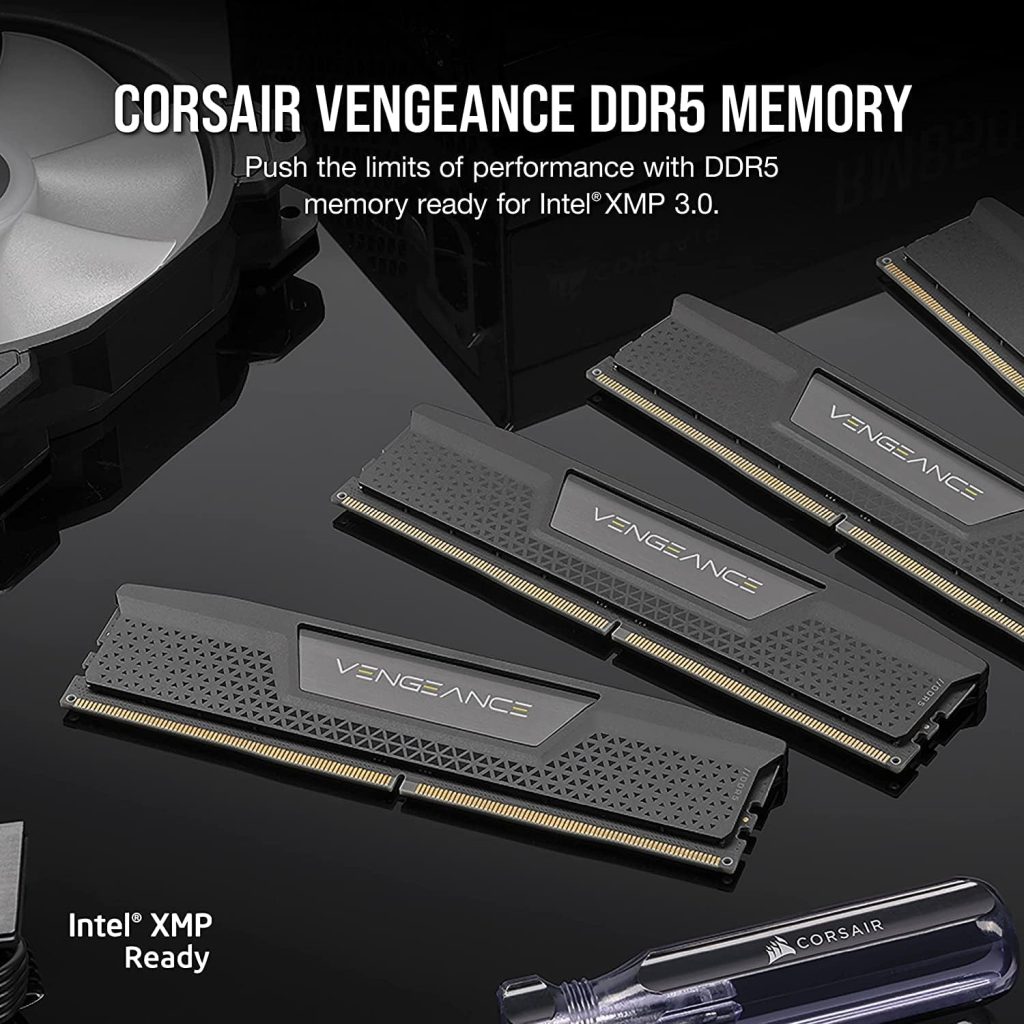
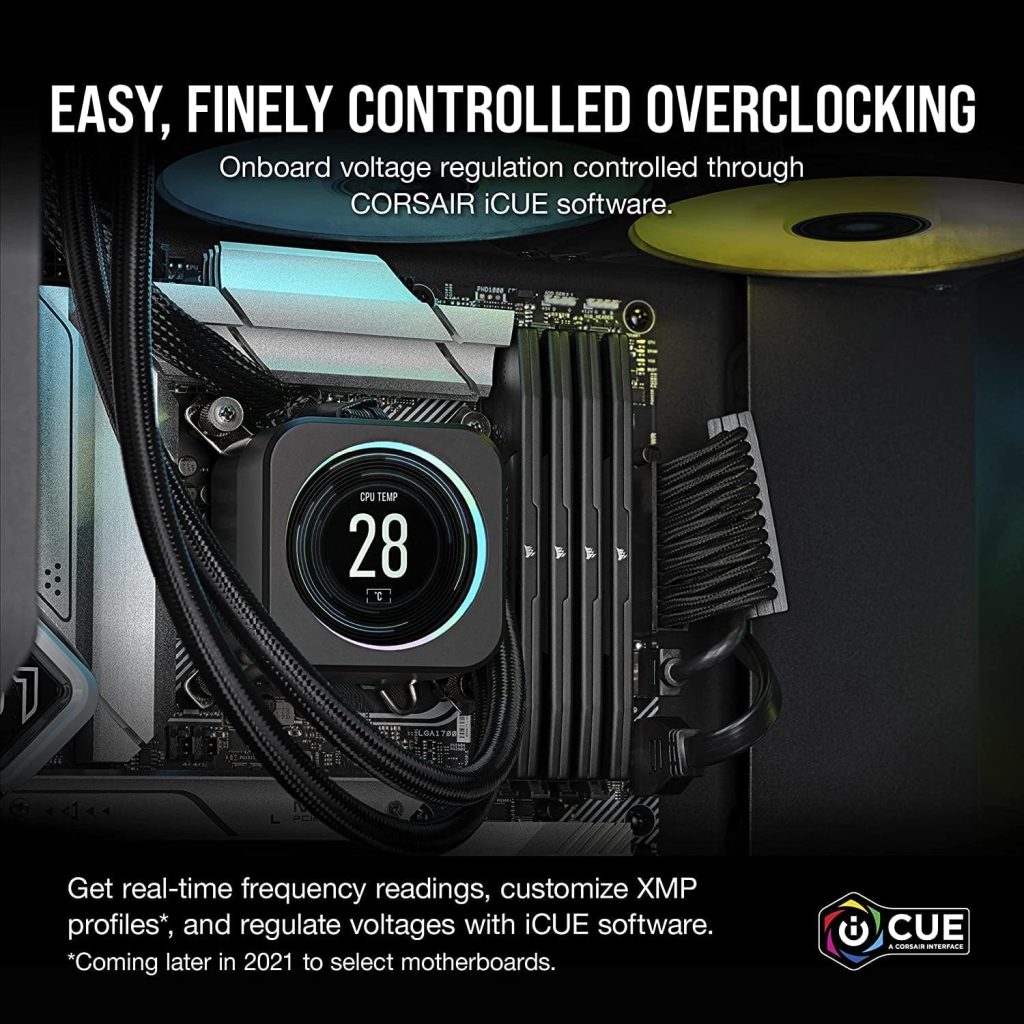
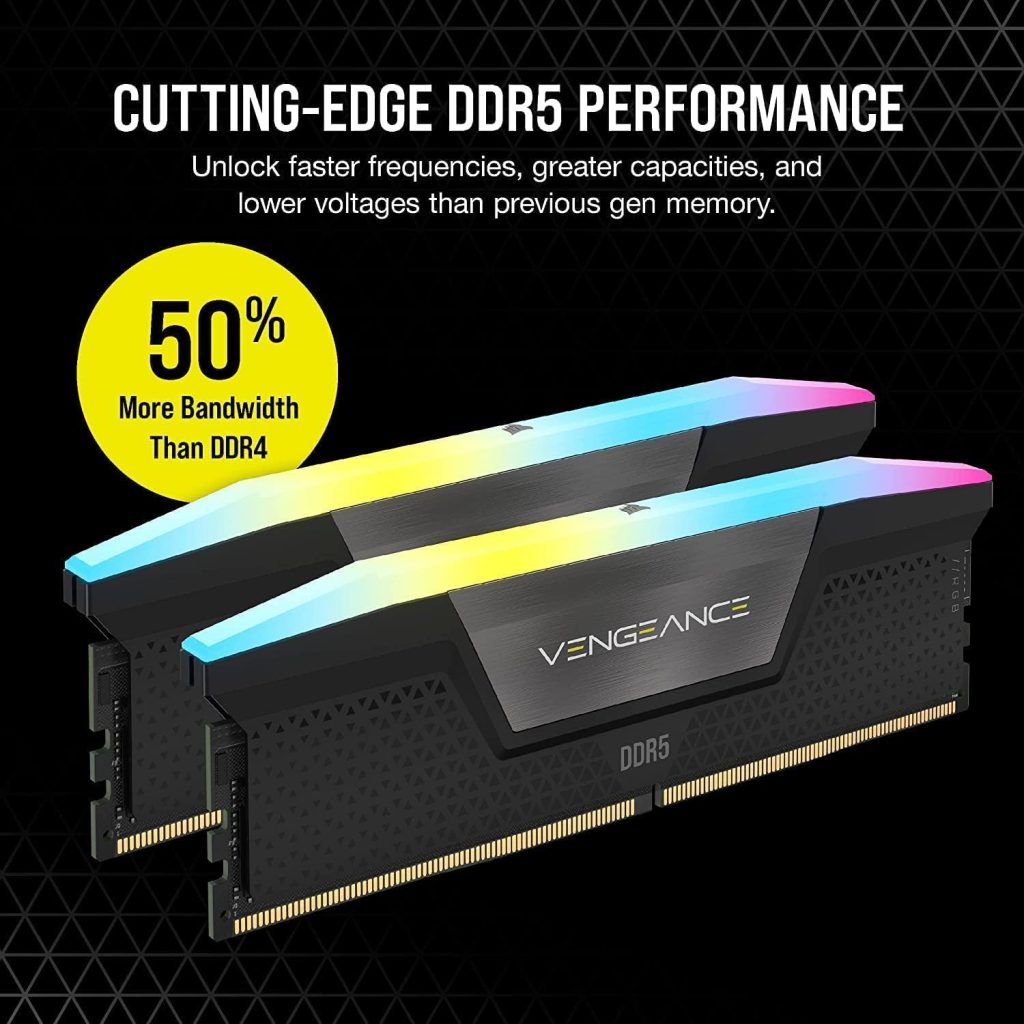
CORSAIR VENGEANCE DDR5 RAM 64GB (2x32GB) 5200MHz CL40-40-40-77 1.25V Intel XMP Desktop Computer Memory – Black (CMK64GX5M2B5200C40)
-
DDR5 Performance: Higher speed, capacity, and efficiency vs previous generations (SPD 1.1V, 288-pin).
-
Faster Processing: Optimized for multi-core CPUs, improving rendering and multitasking.
-
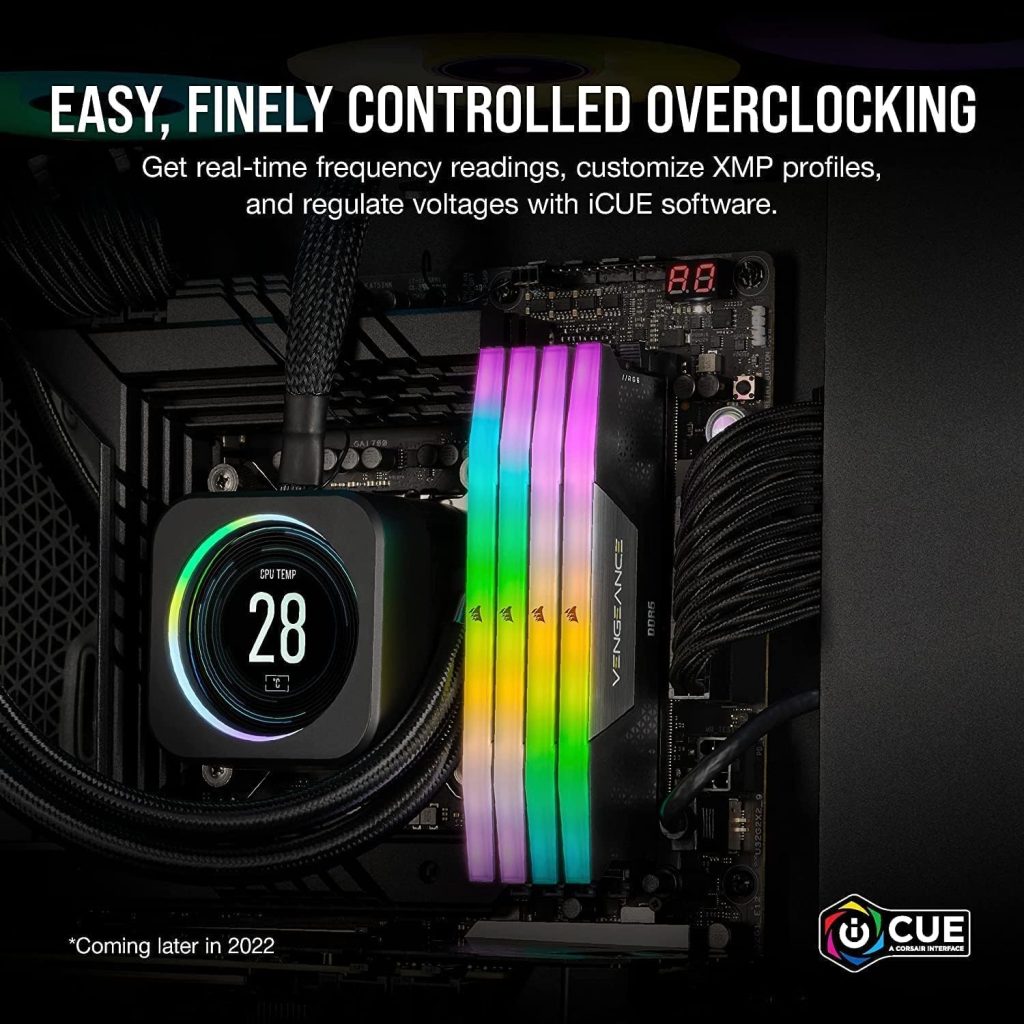
Onboard Voltage Control: Easier, stable overclocking via Corsair iCUE.
-
Intel XMP 3.0: Save custom profiles for optimized performance.
-
iCUE Software: Monitor frequency, control voltage, and manage performance in real time.
Best 32GB DDR4 RAM for PC Builds in 2026 (3200MHz vs 3600MHz) #4
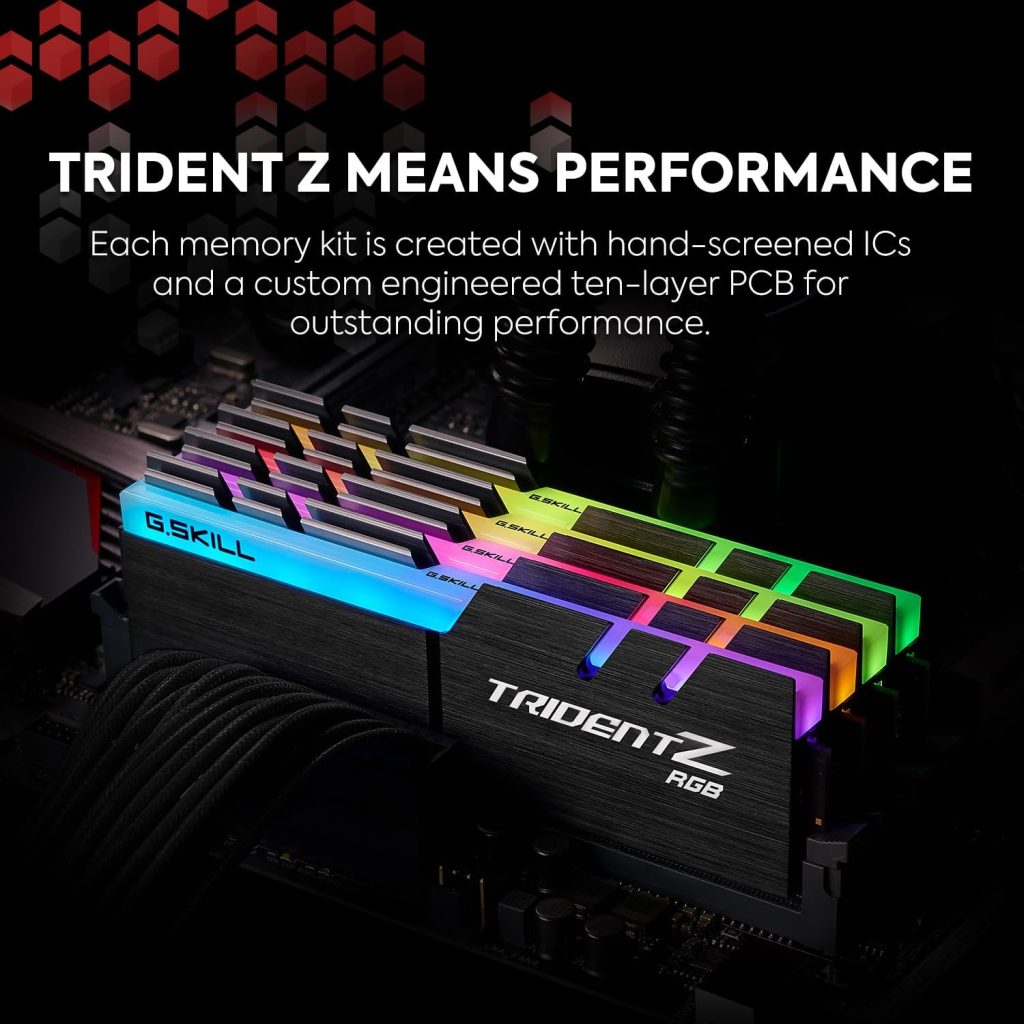
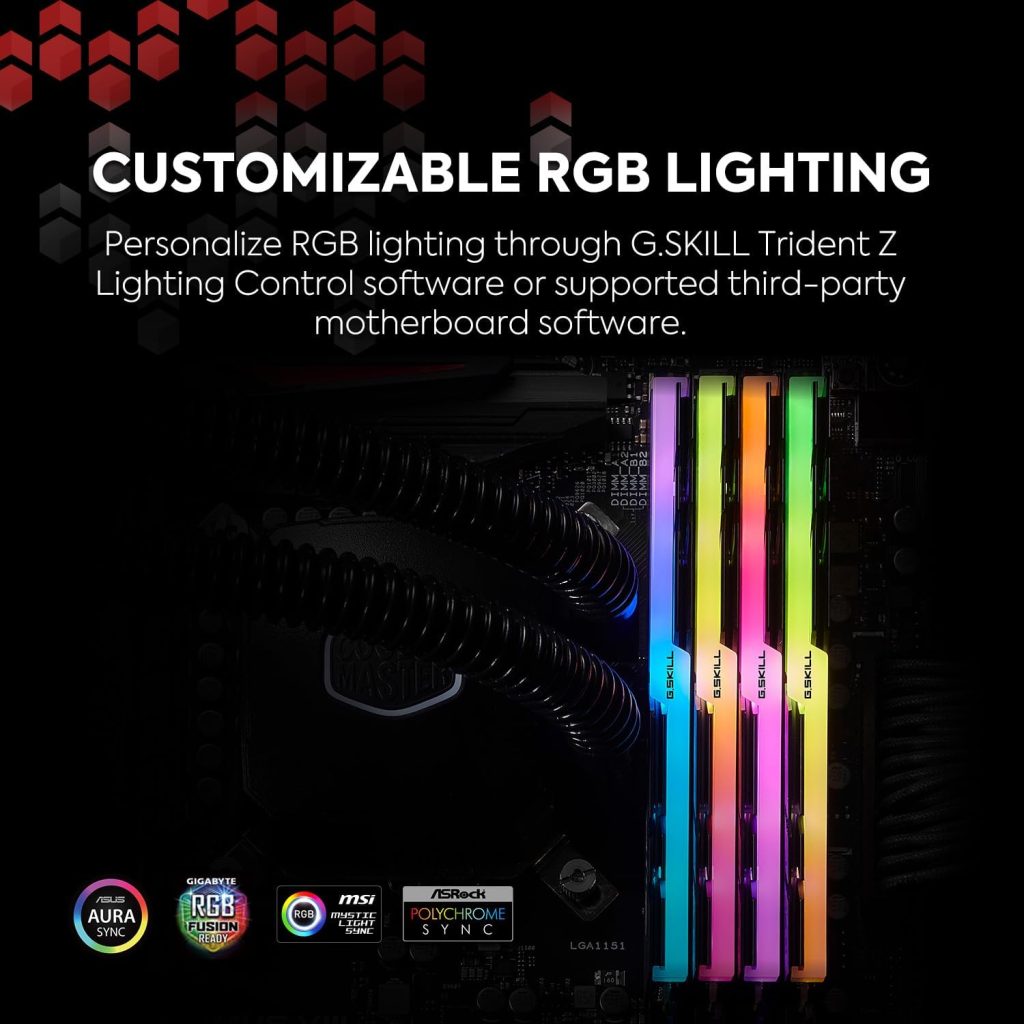
G.SKILL Trident Z RGB Series DDR4 RAM (XMP) 32GB (2x16GB) 3600MT/s CL18-22-22-42 1.35V Intel AMD Desktop Computer Memory U-DIMM (F4-3600C18D-32GTZR)
-
Model: G.SKILL Trident Z RGB DDR4 (F4-3600C18D-32GTZR)
-
Capacity & Speed: 32GB (2x16GB), DDR4-3600 CL18, 1.35V
-
Type: Non-ECC, 288-pin DDR4 for desktop gaming PCs
-
Profiles: Supports JEDEC & Intel XMP for easy overclocking
-
Note: Use matched kits only – mixing RAM may cause instability
-
Compatibility: Check motherboard QVL for supported systems
Best 32GB DDR4 RAM for PC Builds in 2026 (3200MHz vs 3600MHz) #5
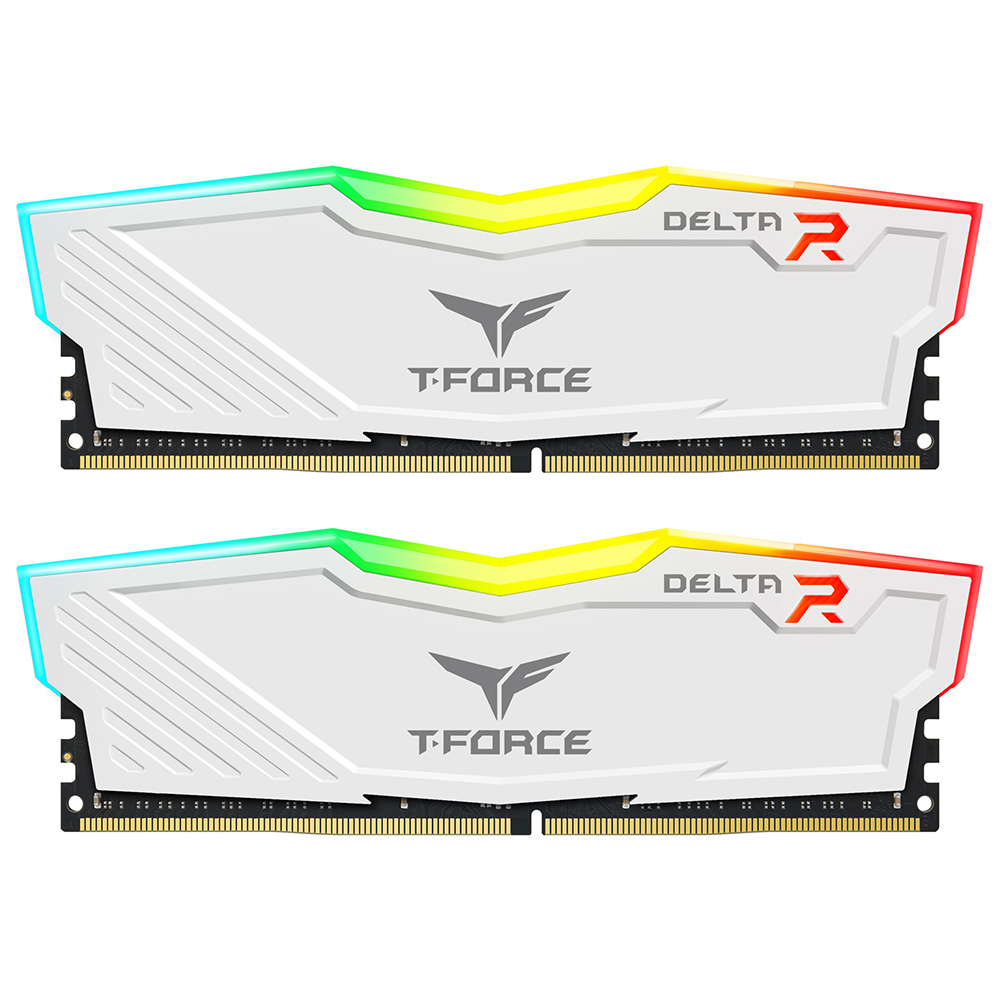
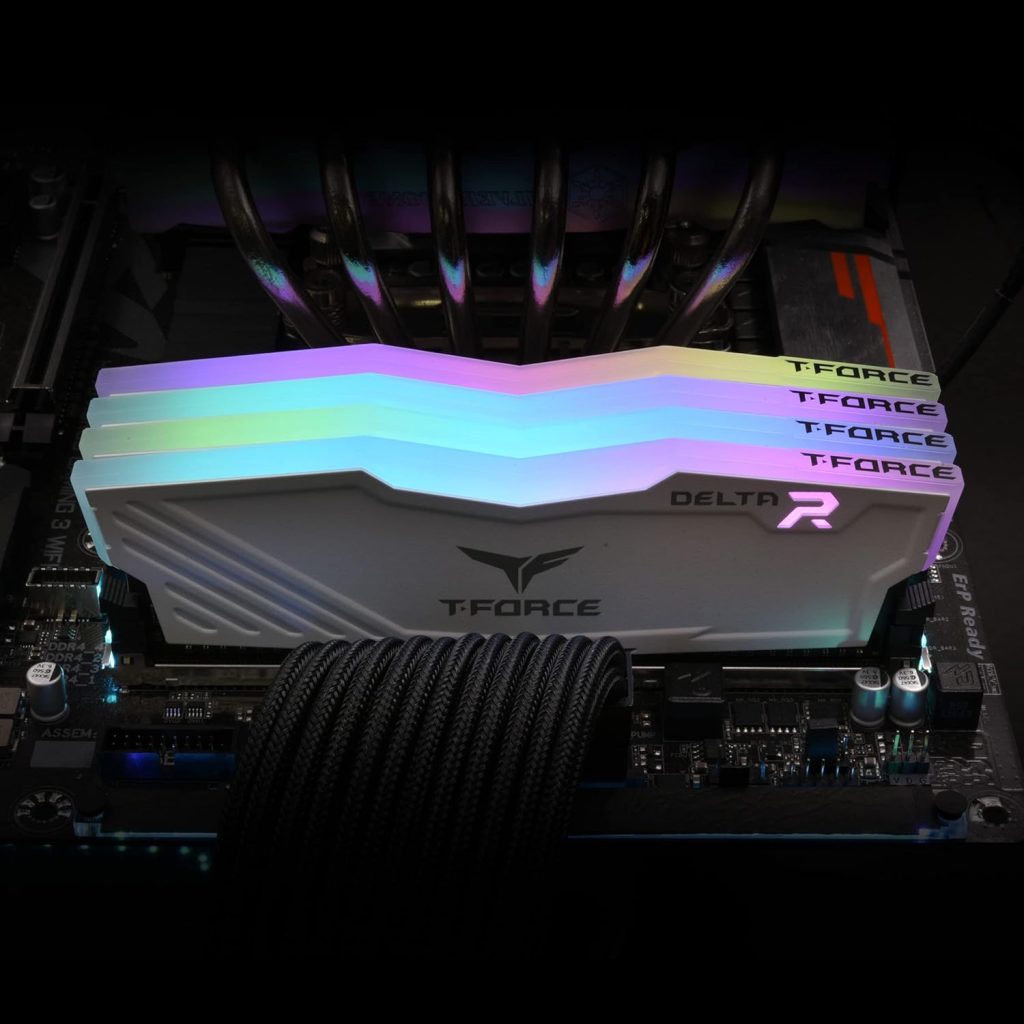
TEAMGROUP T-Force Delta RGB DDR4 32GB (2x16GB) 3600MHz (PC4-28800) CL18 Desktop Gaming Memory Module Ram TF4D432G3600HC18JDC01 – White
-
120° RGB Lighting: Full-frame ultra-wide lighting with Force Flow effects
-
Aluminum Heatsink: Minimalist, asymmetric design for durability
-
Aura Sync Support: Compatible with ASUS Aura Sync
-
JEDEC RC 2.0 PCB: Improved stability and performance
-
Low Voltage: Efficient operation at 1.2V–1.4V
Best 32GB DDR4 RAM for PC Builds in 2026 (3200MHz vs 3600MHz) #7
G.SKILL Trident Z5 Neo RGB Series DDR5 RAM (AMD Expo) 32GB (2x16GB) 6000MT/s CL30-38-38-96 1.35V Desktop Computer Memory U-DIMM – Matte Black (F5-6000J3038F16GX2-TZ5NR)
-
10-Zone RGB Lighting: Ultra-bright, customizable LEDs with panoramic light bar.
-
Onboard Voltage Control: Easier and more stable overclocking via Corsair iCUE.
-
Intel XMP 3.0: Save custom profiles for optimized performance.
-
Custom Effects: Create or choose lighting profiles in iCUE.
-
High Performance: Optimized for latest Intel DDR5 platforms.
Best 32GB DDR4 RAM for PC Builds in 2026 (3200MHz vs 3600MHz) #8
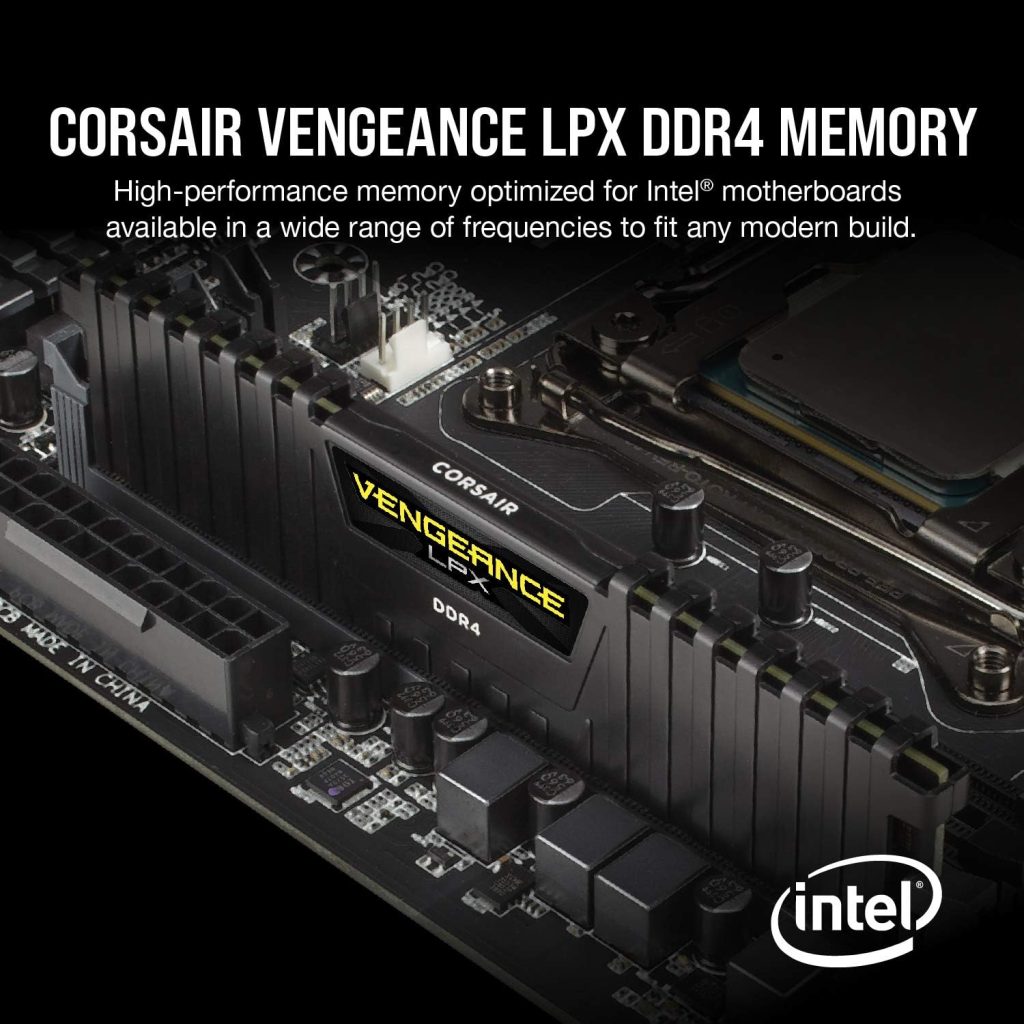
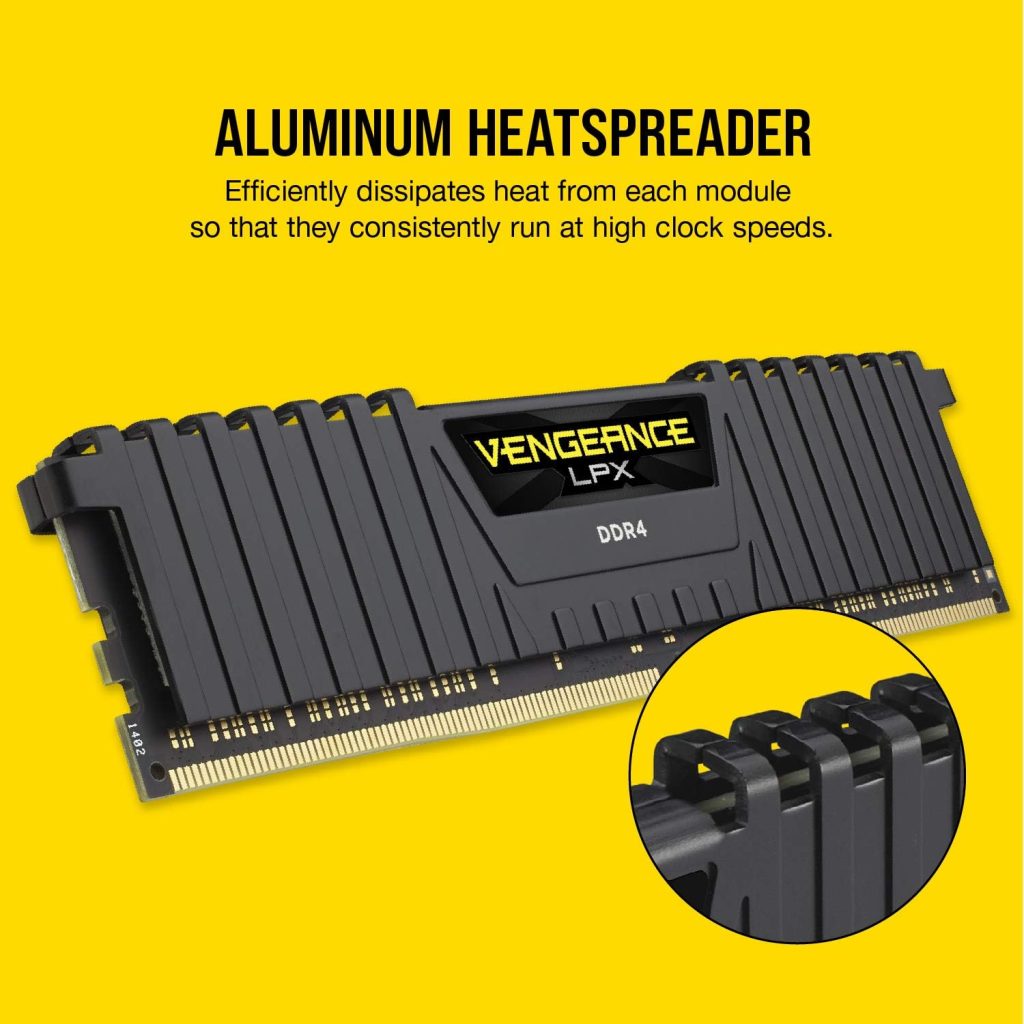
CORSAIR VENGEANCE LPX DDR4 RAM 64GB (2x32GB) 3200MHz CL16-20-20-38 1.35V Intel AMD Desktop Computer Memory – Black (CMK64GX4M2E3200C16)
-
Selected ICs: High performance with strong overclocking headroom
-
Wide Compatibility: Optimized for Intel & AMD DDR4 motherboards
-
Low Profile: 34mm height fits small-form-factor builds
-
Stable Performance: High-quality PCB ensures signal stability
-
Aluminum Heatsink: Efficient heat dissipation for sustained high speeds
Best 32GB DDR4 RAM for PC Builds in 2026 (3200MHz vs 3600MHz) #9
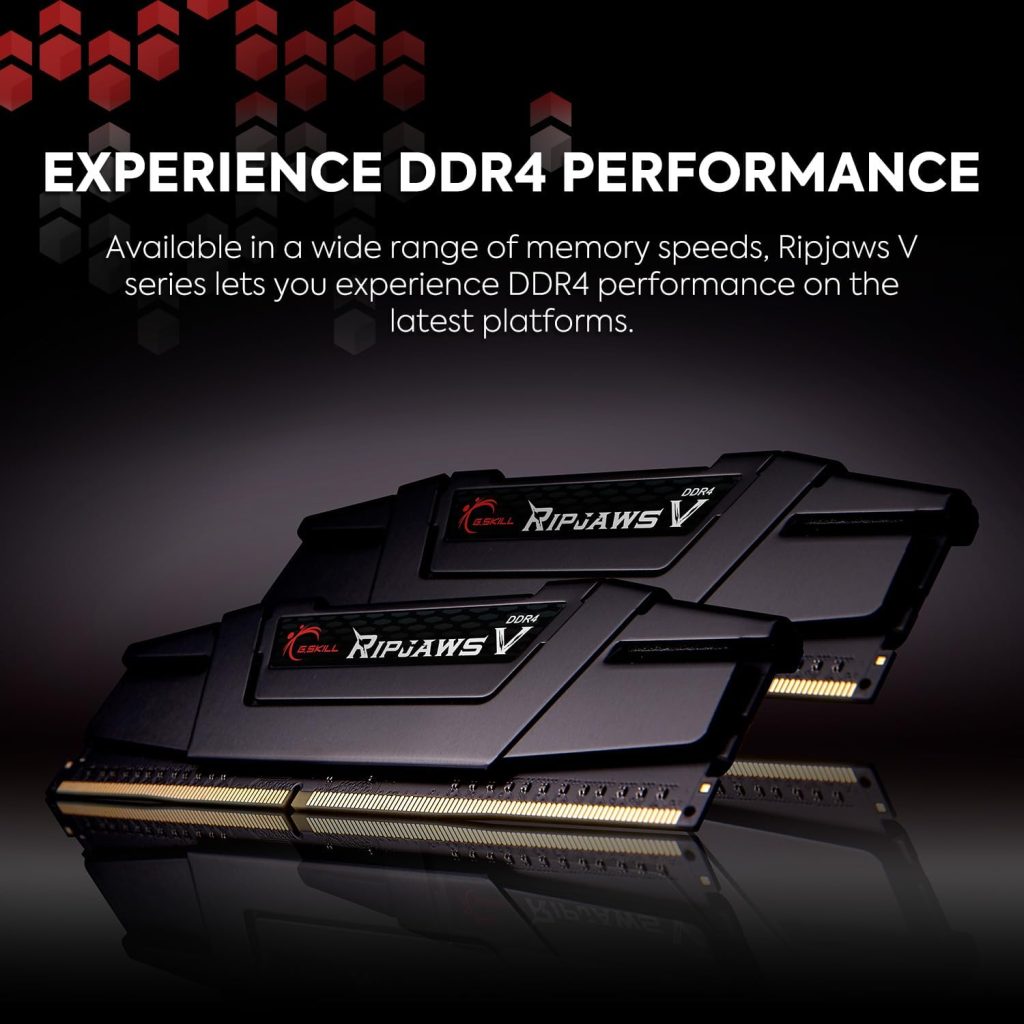
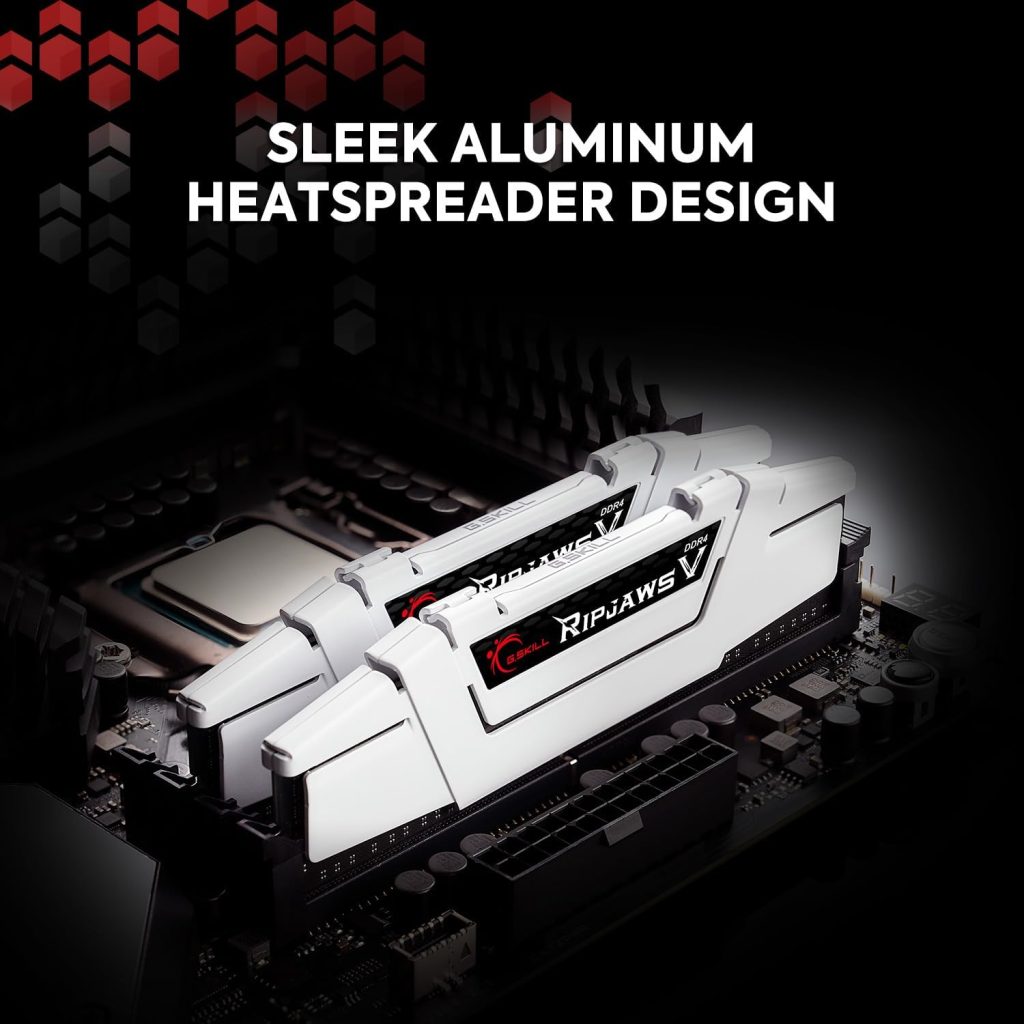
G.SKILL RipjawsV Series DDR4 RAM (XMP) 32GB (2x16GB) 3200MT/s CL16-18-18-38 1.35V Intel AMD Desktop Computer Memory U-DIMM – Black (F4-3200C16D-32GVK)
-
Model: G.SKILL Ripjaws V DDR4 (F4-3200C16D-32GVK)
-
Capacity & Speed: 32GB (2x16GB), DDR4-3200 CL16, 1.35V
-
Type: Non-ECC, 288-pin DDR4 for desktop gaming PCs
-
Profiles: Supports JEDEC & Intel XMP for easy overclocking
-
Note: Use matched kits only – mixing RAM may cause instability
-
Compatibility: Check motherboard QVL for supported systems
Best 32GB DDR4 RAM for PC Builds in 2026 (3200MHz vs 3600MHz) #10
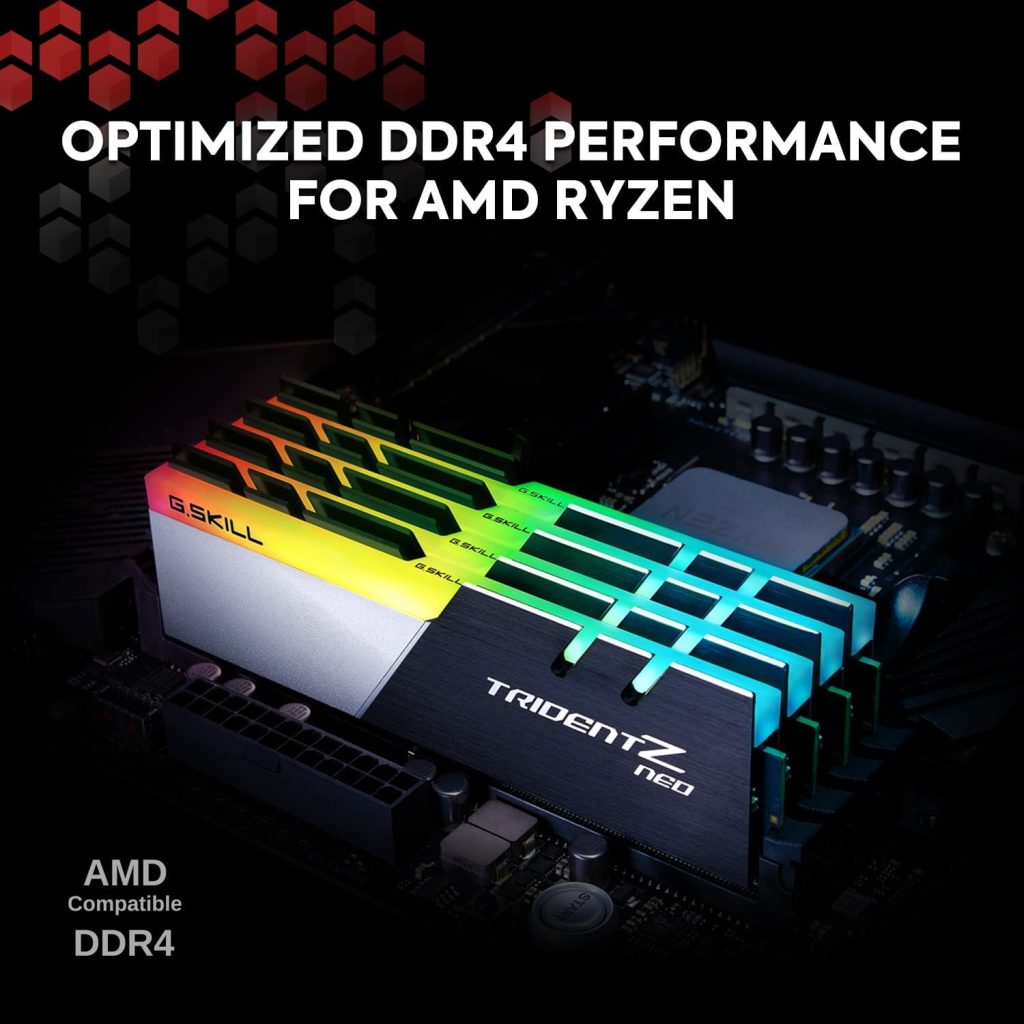
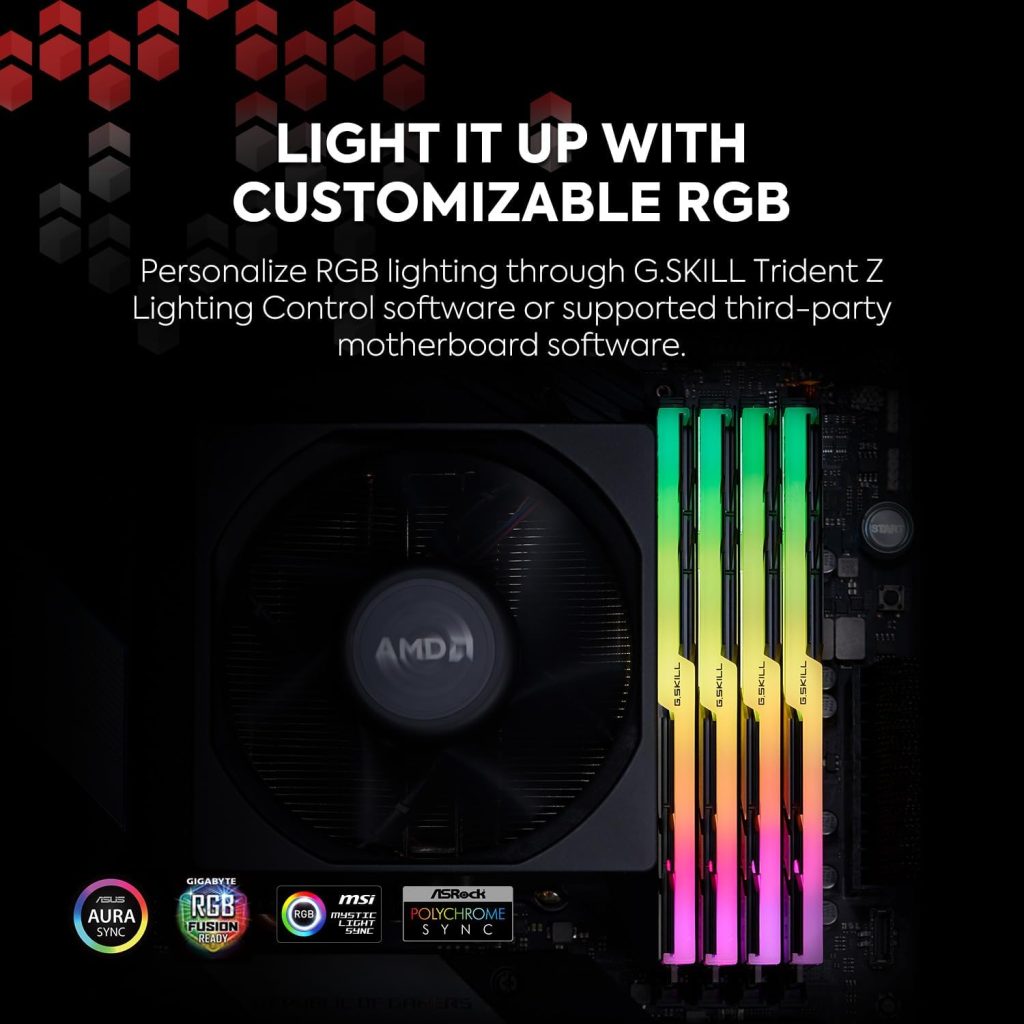
G.SKILL Trident Z Neo Series DDR4 RAM (XMP) 32GB (2x16GB) 3600MT/s CL18-22-22-42 1.35V Intel AMD Desktop Computer Memory U-DIMM (F4-3600C18D-32GTZN)
-
Model: G.SKILL Trident Z Neo DDR4 (F4-3600C18D-32GTZN)
-
Capacity & Speed: 32GB (2x16GB), DDR4-3600 CL18, 1.35V
-
Type: Non-ECC, 288-pin DDR4 for desktop PCs
-
Profiles: Supports JEDEC & Intel XMP for easy overclocking
-
Note: Use matched kits only – avoid mixing RAM
-
Compatibility: Check motherboard QVL for support